

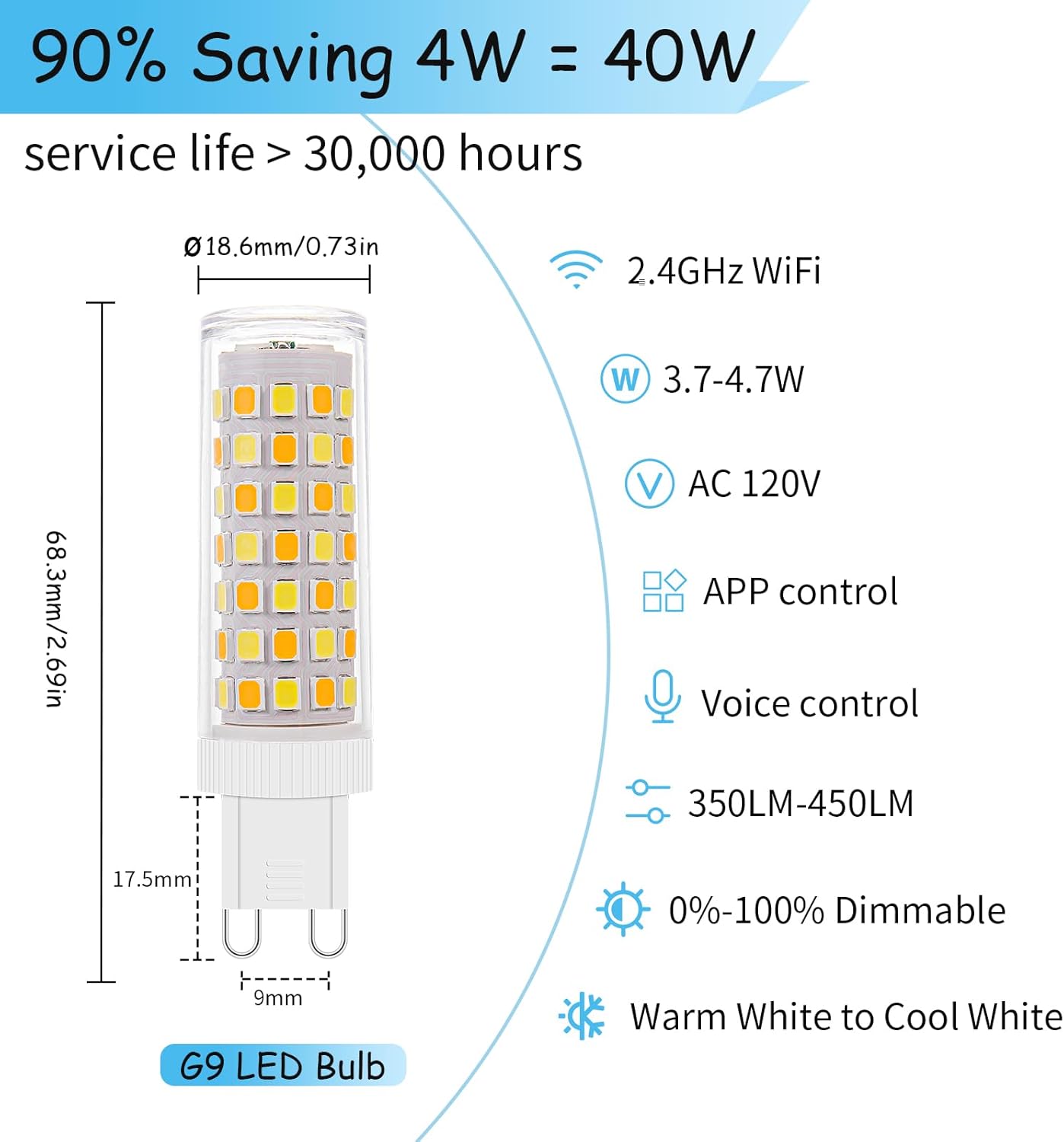
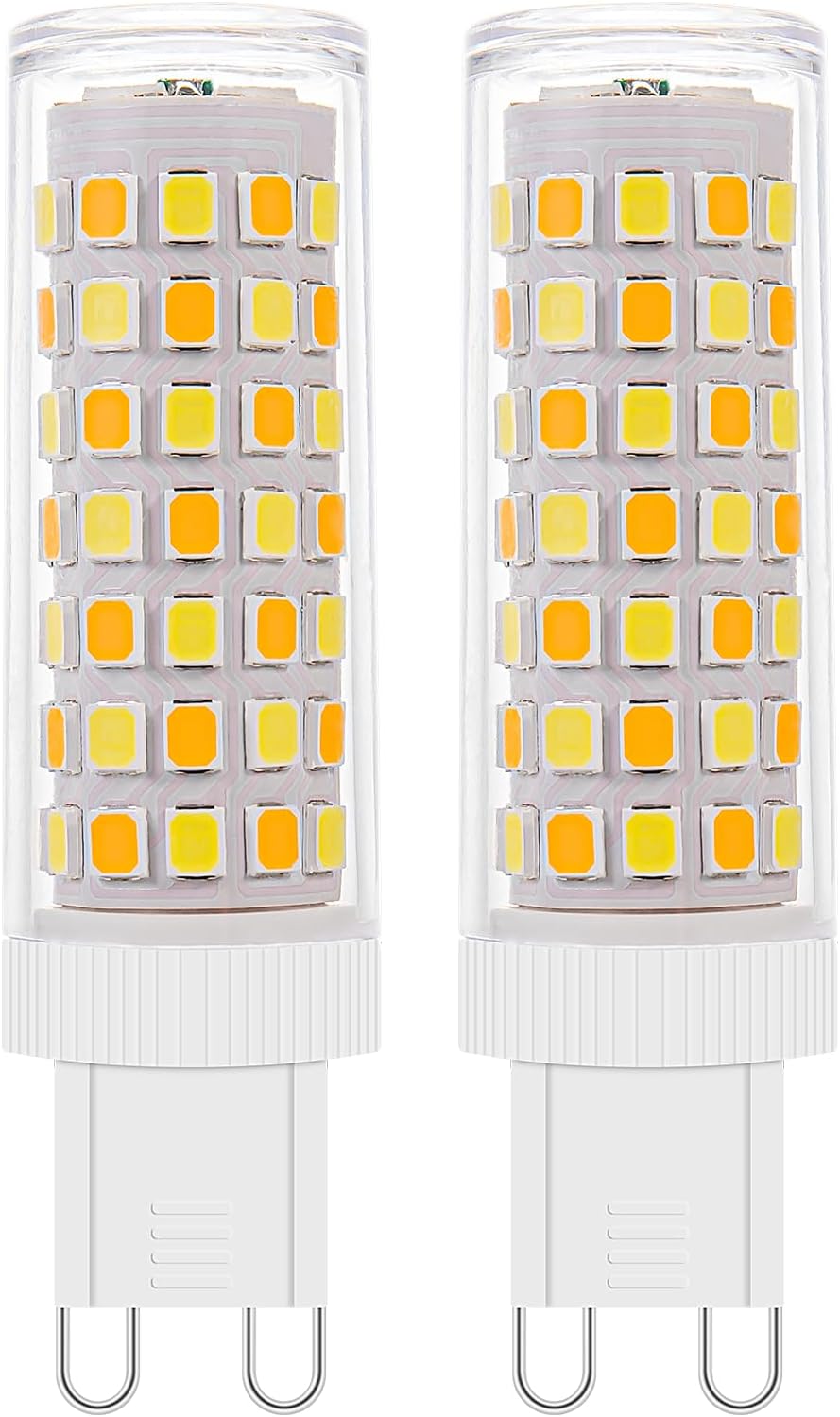
3Pack Dimmable Wi-Fi Smart LED Bulbs with G9 Base,Compatible with Amazon Alexa and Google Assistant-Warm to Cool White(2700K-6000K),Adjustable Brightness From 1%-100% (120V,0.4-4.7W,40LM-450LM)
Original price was: $76,47.$61,18Current price is: $61,18.
Product description


Dimmable Smart WiFi G9 Light Bulbs
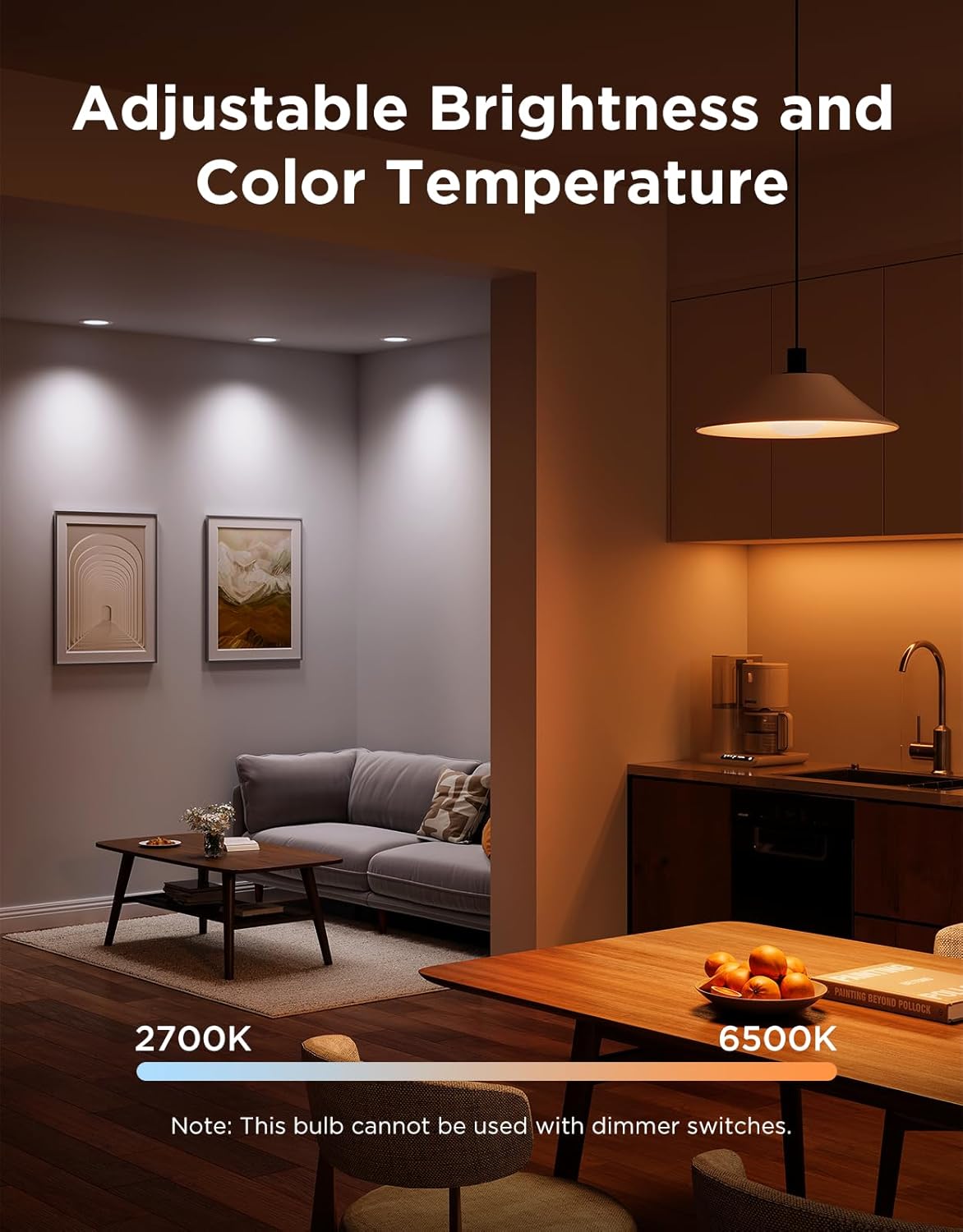
Dimmable, Smart, Wi-Fi G9 Bulbs: Color temperature 2700-6000° Kelvin, Brightness anywhere from 1-100%, Energy Use 0.4-4 Watts, and easy to control with a free phone app.

Brightness Adjustment
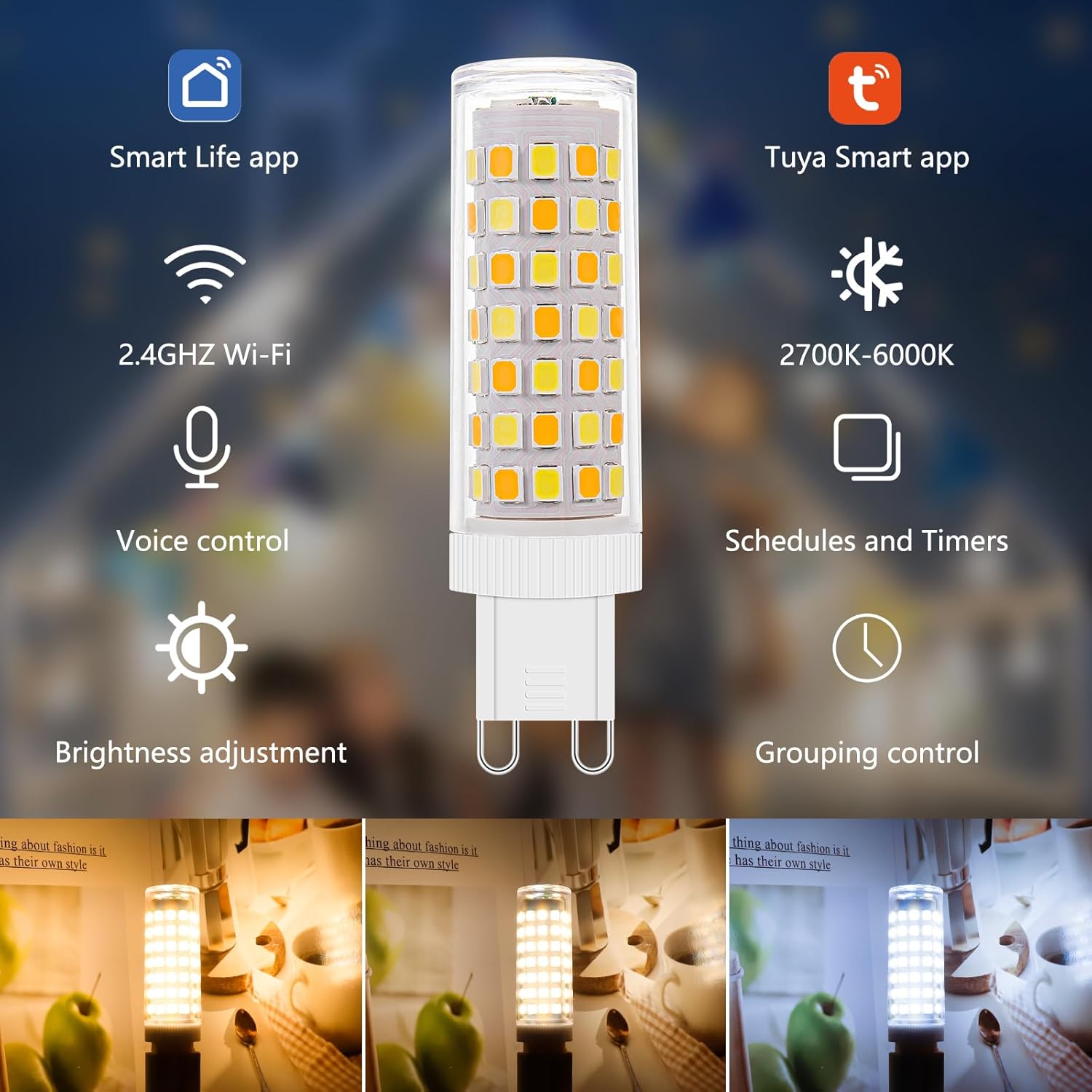
Adjust the brightness of the LED lights from 1% to 100% through the "Smart Life" App.

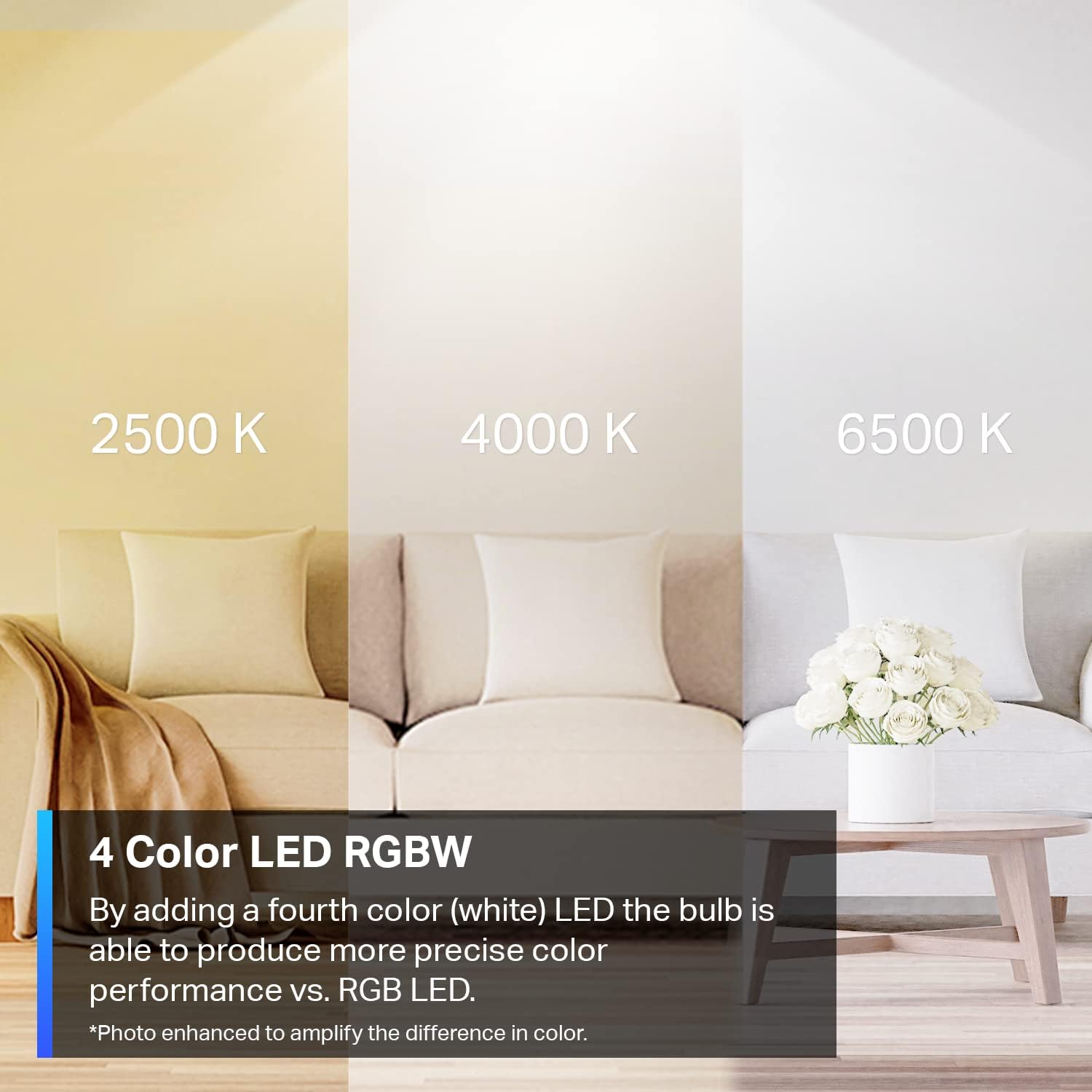
Adjustable Color Temperature
Using the “Smart Life” or “Tuya Smart” apps, adjust the
color temperature of the LED bulbs from
2700-6000° Kelvin

Smart Presets and Manual Control
Through the “Smart Life” or “Tuya Smart” apps
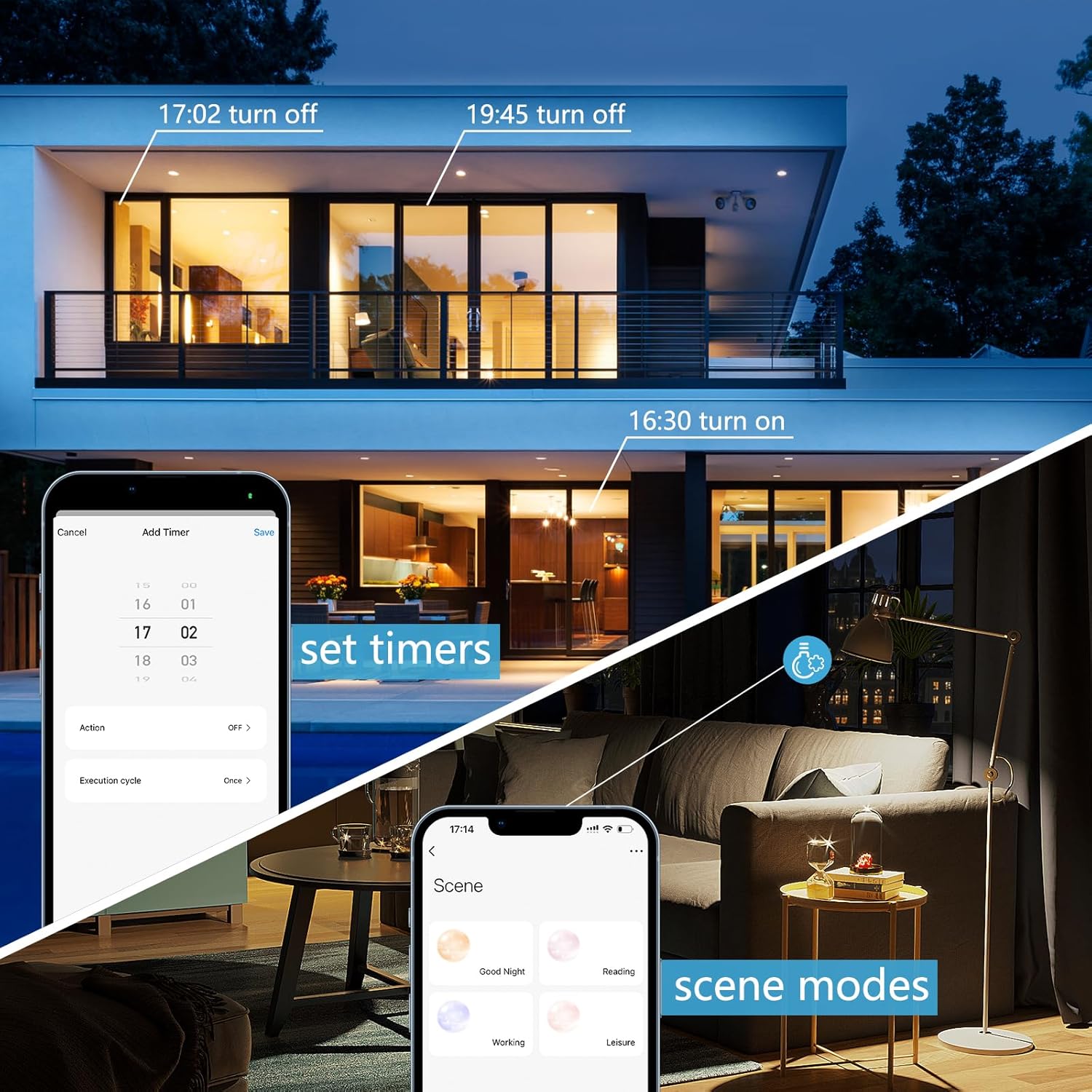
you can set your own schedules for changing the
lights or use multiple Pre-set options
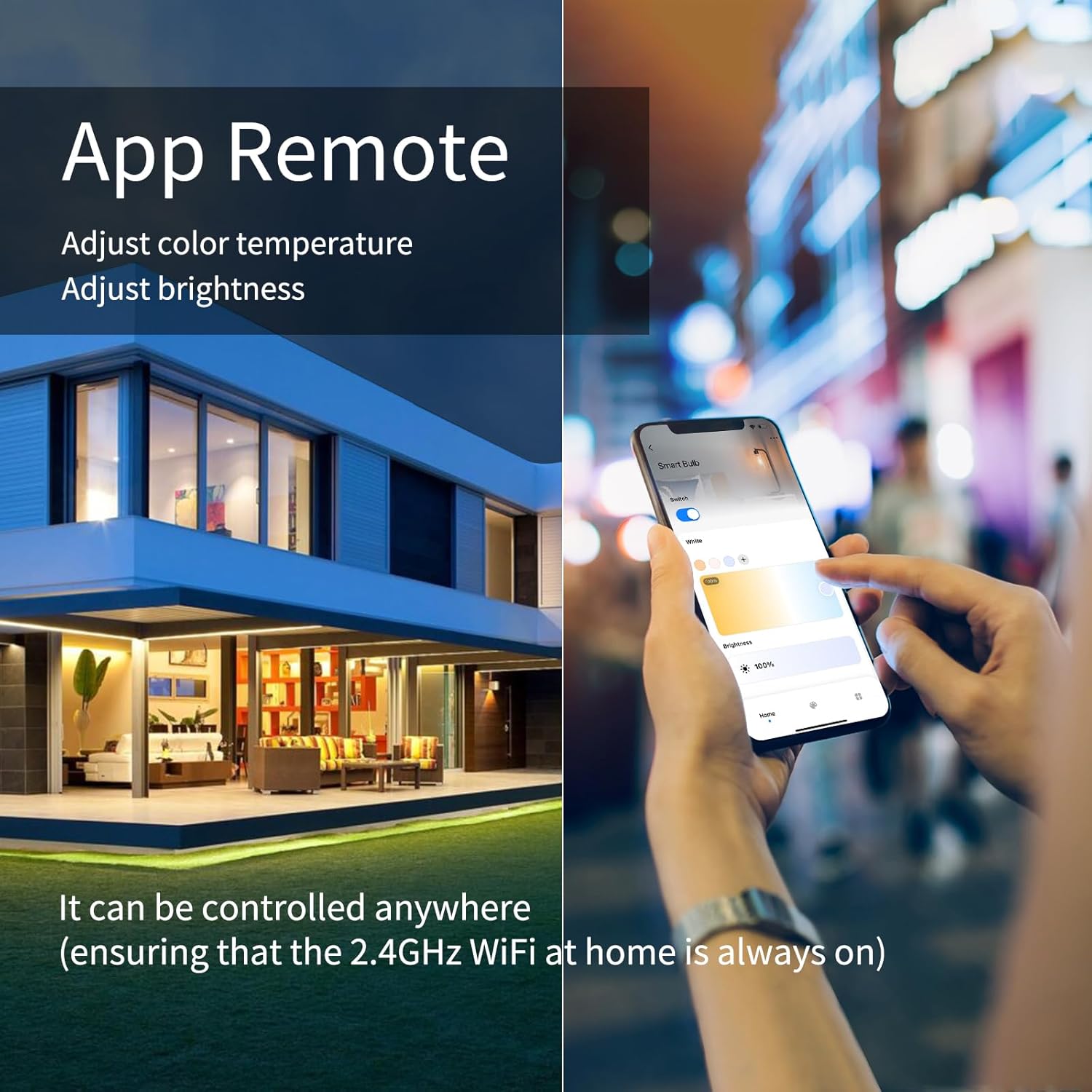
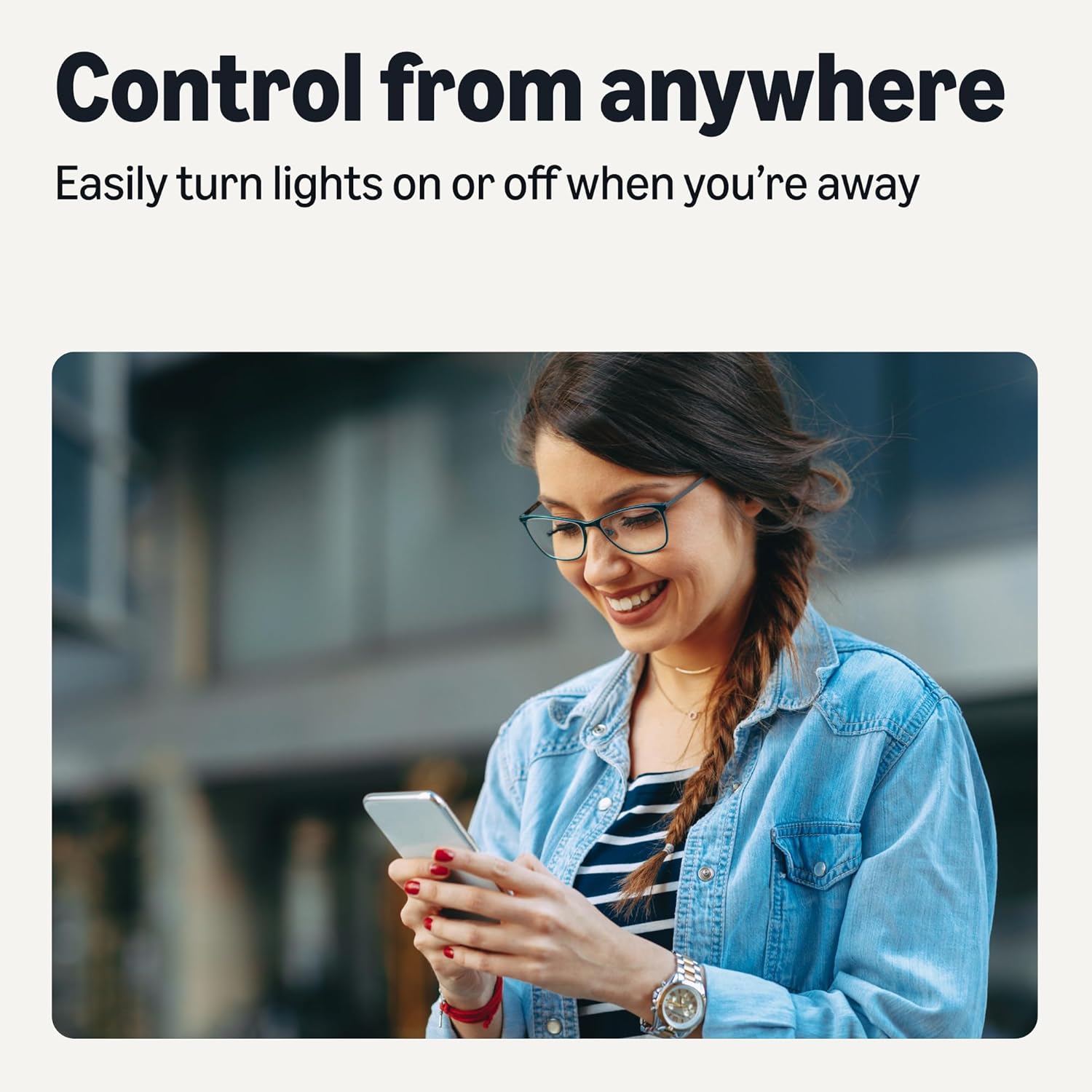
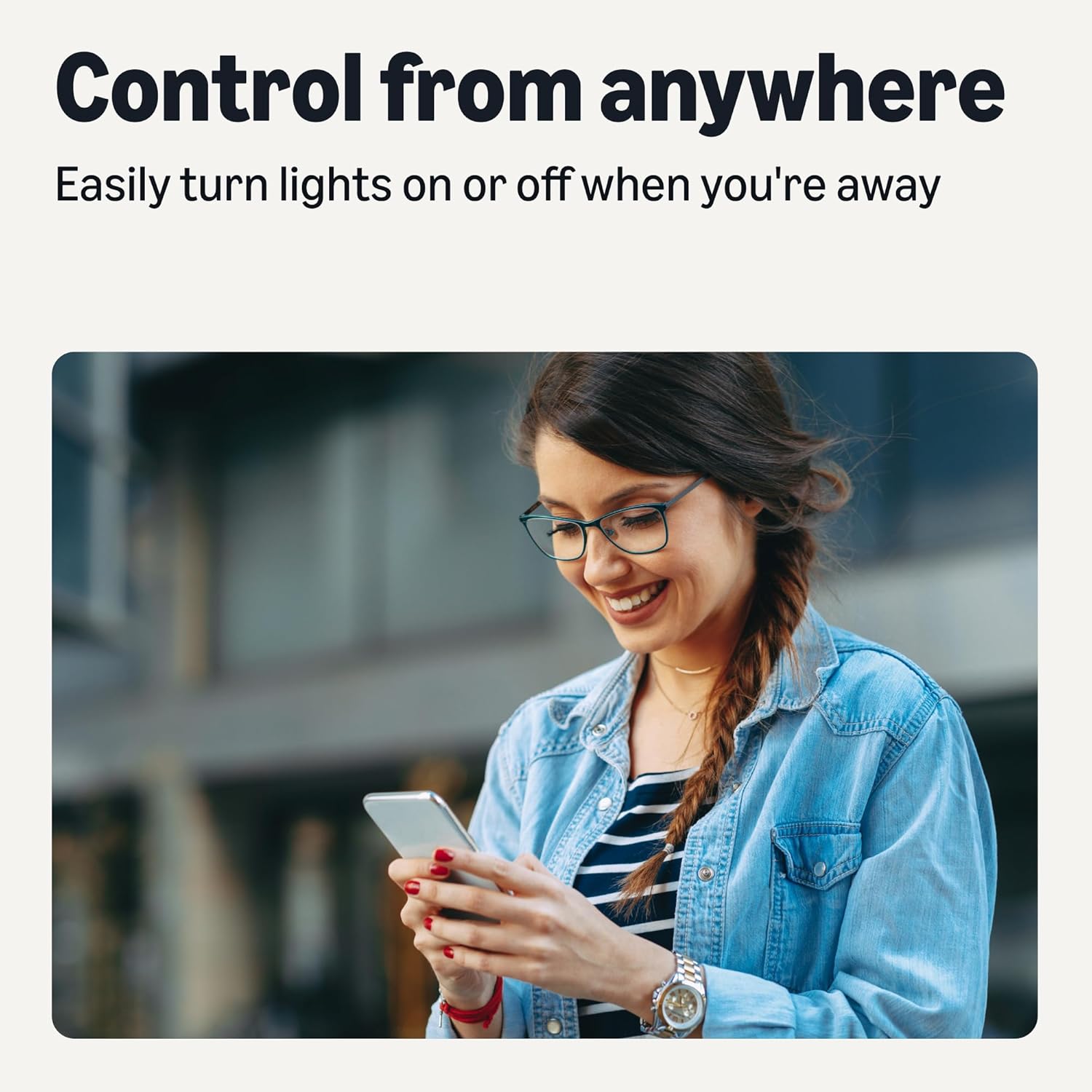
Control anytime, anywhere

Remotely control all bulb functions
Even if you are away from home, the bulbs can be controlled through the apps; power on/off, change brightness, color temperature, or create timers for automatic functions.
Note: Home Wi-Fi needs to be on for remote function.

App Pairing Steps
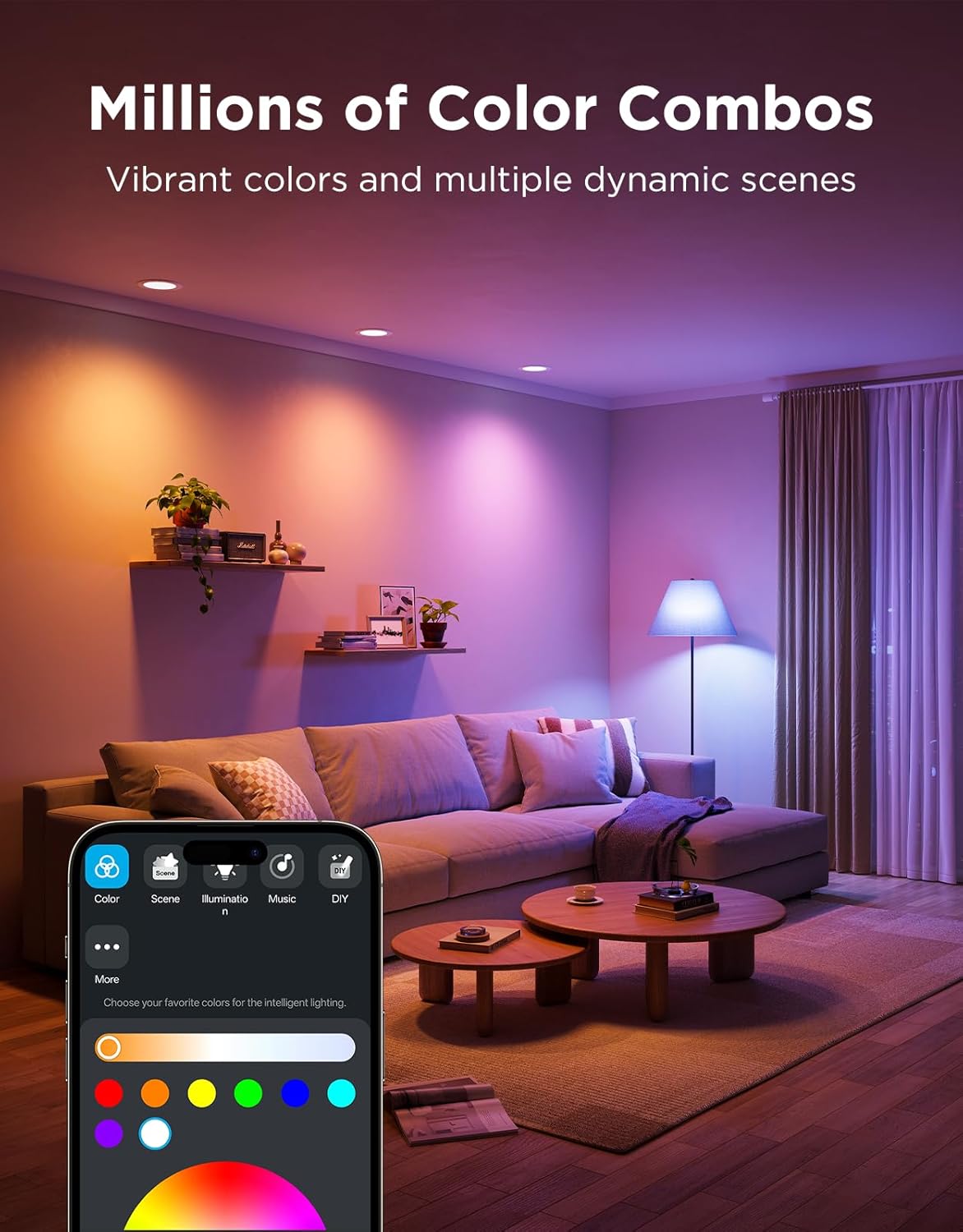
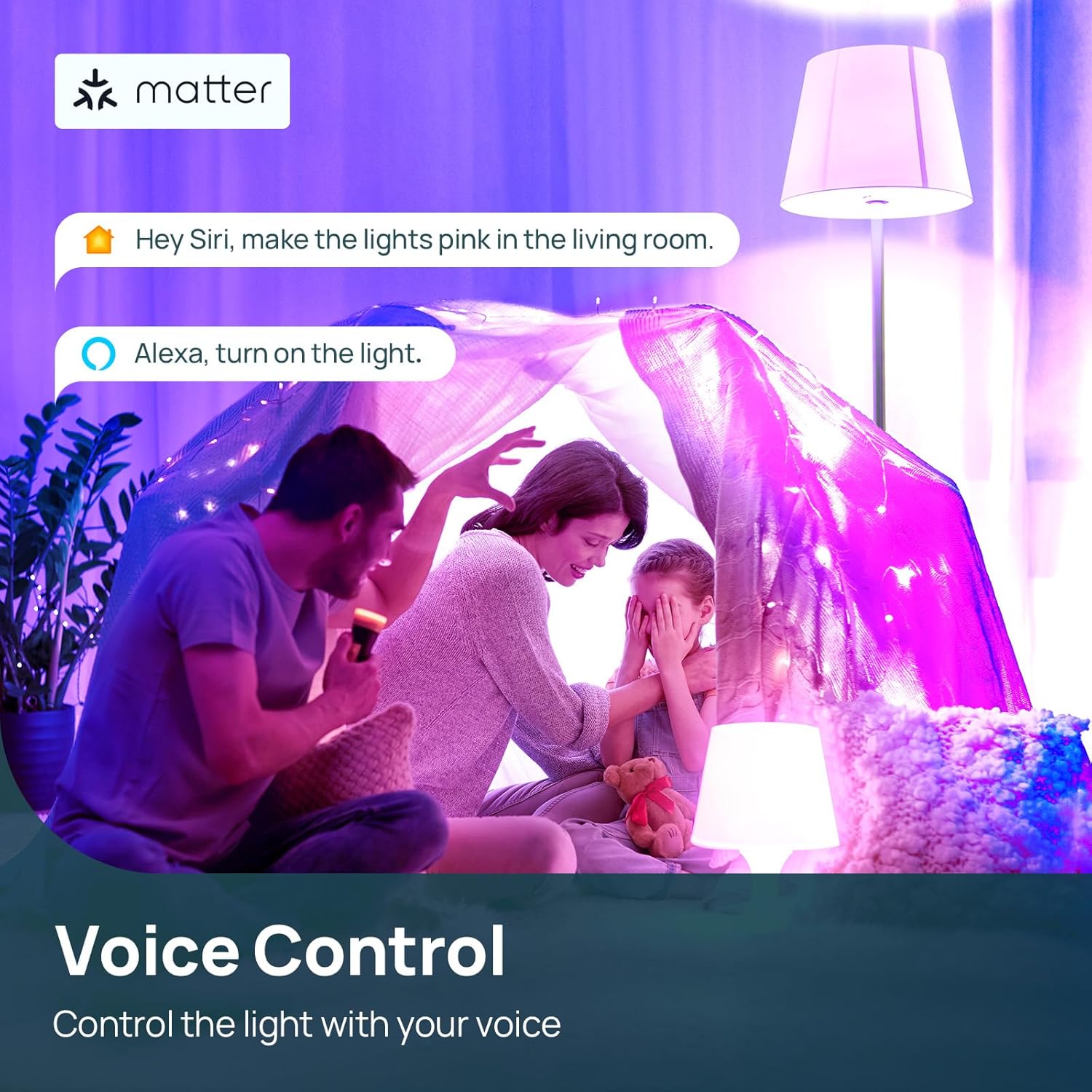
Just by using an app or your voice, your options are almost limitless. No more getting out of bed to turn off a light bulb, easily turn it on in a dark room, use it as a soft nightlight, etc.
App Pairing Steps (Detailed Instruction Manual included):
1. Download the “Smart Life” or “Tuya Smart” apps and make sure your phone is connected to a 2.4GHz Wi-Fi network.
2. After the bulb is installed, switch the power on and off 3 times. The bulb will begin to blink.
3. The app will locate and add the bulb for a one-time pairing. The bulb will stop blinking, indicating that it is paired.
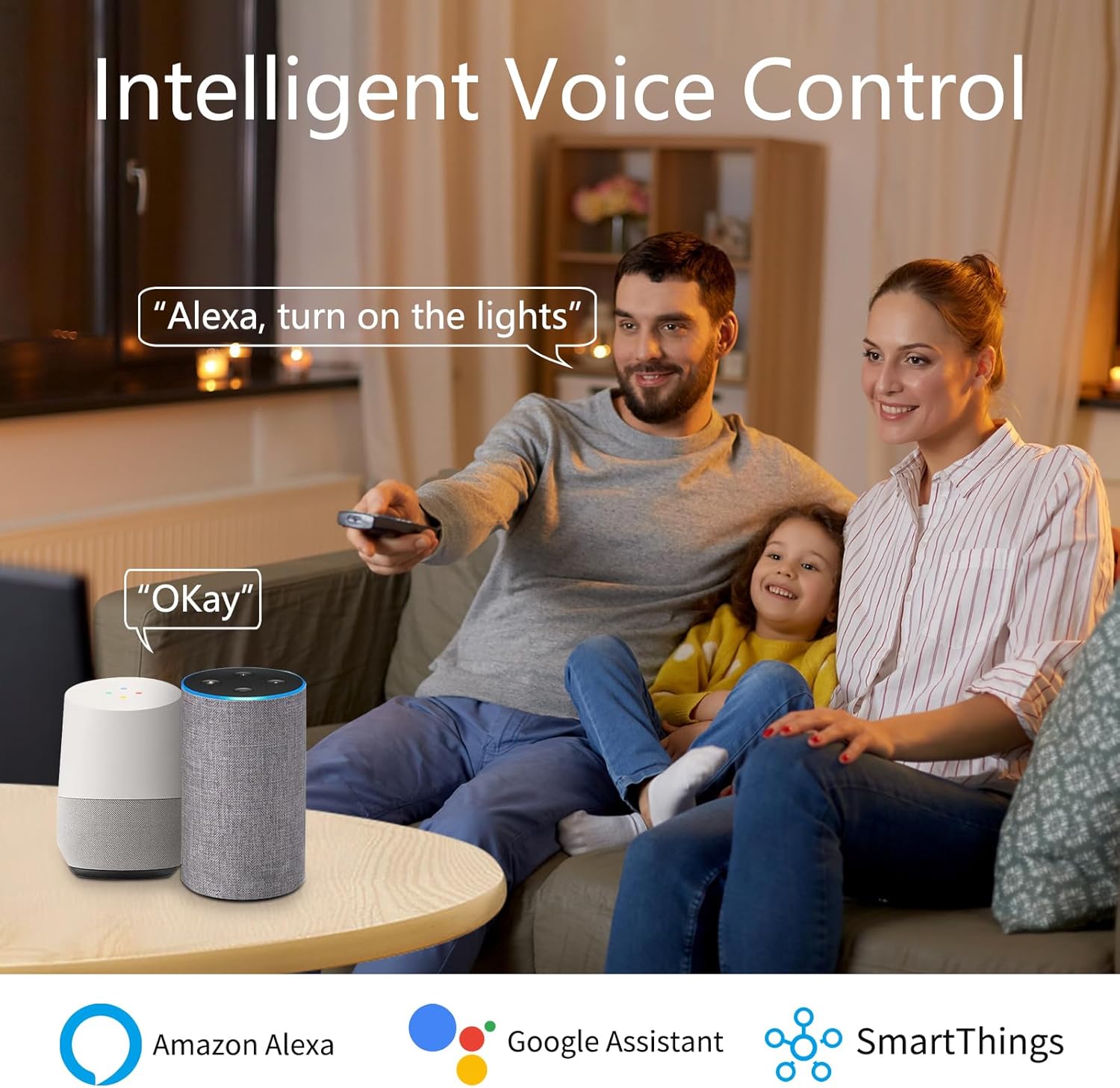
4. Note—You must pair the bulb with the “Smart Life” or “Tuya Smart” apps first before attempting to control it with Amazon Alexa or Google Assistant.

I-SHUNFA Dimmable Wi-Fi Smart LED Bulbs with G9 base
Be the first to review “3Pack Dimmable Wi-Fi Smart LED Bulbs with G9 Base,Compatible with Amazon Alexa and Google Assistant-Warm to Cool White(2700K-6000K),Adjustable Brightness From 1%-100% (120V,0.4-4.7W,40LM-450LM)”
Related products
Reviews
There are no reviews yet.